
Think about how you actually used your debit card last month.
A few taps at shops, some online shopping, perhaps one visit to an ATM.
Now think about what that card is still allowed to do.
Anything, anywhere in the world, at any hour, up to your full balance.
Closing that gap takes five minutes.
Your bank has already built the controls for it.
What can I switch off?
Your card's abilities are split into channels.
Each channel has its own switch.
Online payments, for websites and apps.
Contactless, the tap that works without a PIN.
ATM withdrawals.
Shop machines, where you insert or swipe.
International, which covers all of the above but abroad.
Turn off any channel you do not use.
A thief holding your details then gets a declined message.
International is the easiest win.
Most of us never use it, and it is where stolen card details tend to surface.
Switch it on for the week you travel, then switch it off again.
Where do I find these switches?
Inside your bank's app, under the card itself.
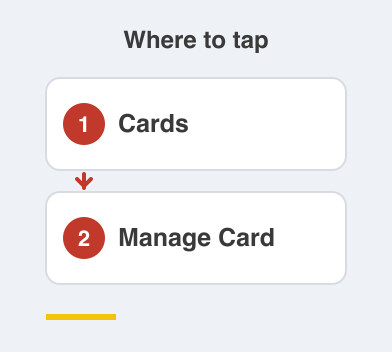
The path usually reads something like Cards -> your card -> Manage Card.
Net banking has the same settings on a bigger screen.
Some banks also allow it by SMS or through the phone banking menu.
That is handy for a parent who dislikes apps.
If you cannot find it, just call the bank.
This is one of the few things phone banking sorts out in a minute.
New cards often arrive with online and international use already off.
So you may need to switch a channel on before your first purchase.
What limit should I set?
Set each channel to what a bad day looks like.
Your card comes with a limit far above your real spending.
The limit is per channel, so you can be generous at ATMs and strict online.
Pick a number that covers your normal purchase.
It should not cover someone else's shopping spree.
Raise it the day you buy a fridge, then bring it back down.
The habit matters more than the exact figure.
Which card should face the internet?
One card, chosen on purpose.
Use a credit card online if you have one.
Disputes there are argued before the money leaves your account, rather than after.
If you only hold debit cards, use the one attached to your small second account.
That is the same account you linked to UPI.
Keep your salary account's card away from websites entirely.
Things to Remember
- Switch off international use unless you are travelling this week.
- Turn off any channel you never use, especially contactless.
- Set a per-channel limit that matches your real spending.
- Keep one card for online shopping and another for everything else.
- Look under Cards -> Manage Card in your bank app.