
Everything is on the new phone.
Photos, chats, apps, all of it across.
A few steps remain before the old phone is safe to hand over.
This is the last of the five steps in a switch.
The first four were prep, photos and contacts, WhatsApp chats, then apps and 2FA.
Do what follows in order.
How do I move my number across?
It depends on the kind of SIM you have.
An eSIM is a SIM built into the phone instead of a plastic card.
If you have one, use your carrier's app.
Or scan the QR code they give you.
Going from one iPhone to another, you can use eSIM Quick Transfer during setup.
If you get stuck, a quick call to your carrier sorts it out.
With a physical SIM, just move the tray across to the new phone.
If it does not fit, your carrier will hand you the right size.
What should I check before touching the old phone?
Confirm that everything genuinely copied.
Photos, WhatsApp chats, contacts, and your two-factor codes.
Two-factor means the six digit codes your bank or Google asks for after your password.
Open each one on the new phone and look at it with your own eyes.
A tick on a transfer screen is not proof that your 2020 photos came along.
What is the step everyone skips?
Signing out.
Sign out before you reset, never after.
On iPhone: Settings -> [your name] -> Sign Out, which turns off Activation Lock and Find My.
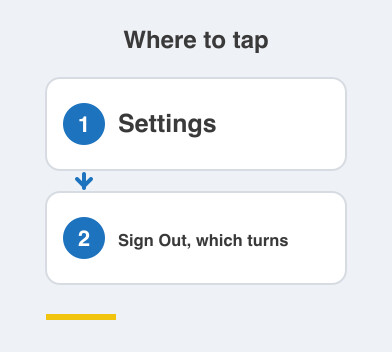
On Android: Settings -> Accounts -> remove your Google account, which avoids the reset-protection lock.
Skip it and the buyer gets a phone that will not activate.
That ends in an awkward phone call for you.
And then the wipe?
Now you can erase it.
Go to Settings -> Erase all content and settings.
Then remove the SIM.
At that point the phone is genuinely safe to sell, gift or trade in.
New phone fully loaded, old phone safely handed over, nothing left behind.
Things to Remember
- Move your number first: eSIM through your carrier's app, physical SIM by moving the tray.
- Open and check photos, chats, contacts and 2FA on the new phone before you wipe anything.
- Sign out of your Apple or Google account before the reset, not after.
- Erase all content and settings, then take the SIM out.
- Call your carrier if the eSIM transfer stalls, rather than guessing.