

Everyone has misplaced a phone at some point.
Sometimes it is under a cushion, and sometimes it is in the auto that has already driven away.
The good news is that both Android and iPhone can put your phone on a map in about a minute.
Will this work if the phone is on silent?
Yes, and this is the part most people don't know.
Both Google and Apple will ring your phone at full volume even when it is silenced.
The one thing you do need is a phone that was already signed in to your Google or Apple account.
That happens on the day you set the phone up, so you are probably covered already.
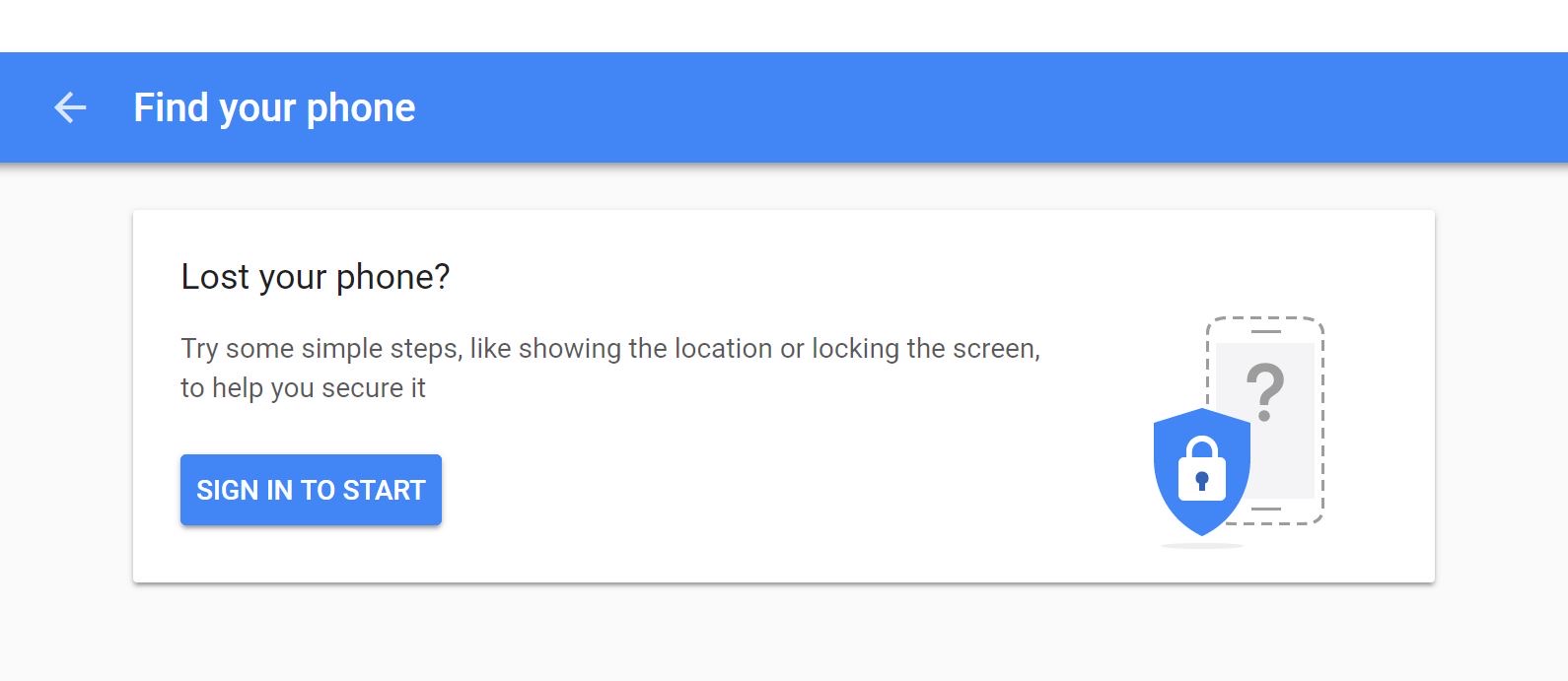
How do I find an Android phone?
Open any browser, on a computer or on somebody else's phone, and go to android.com/find.
Sign in with the same Google account that is on the missing phone.
Google's tracker is now called Find Hub, though older phones still call it Find My Device.
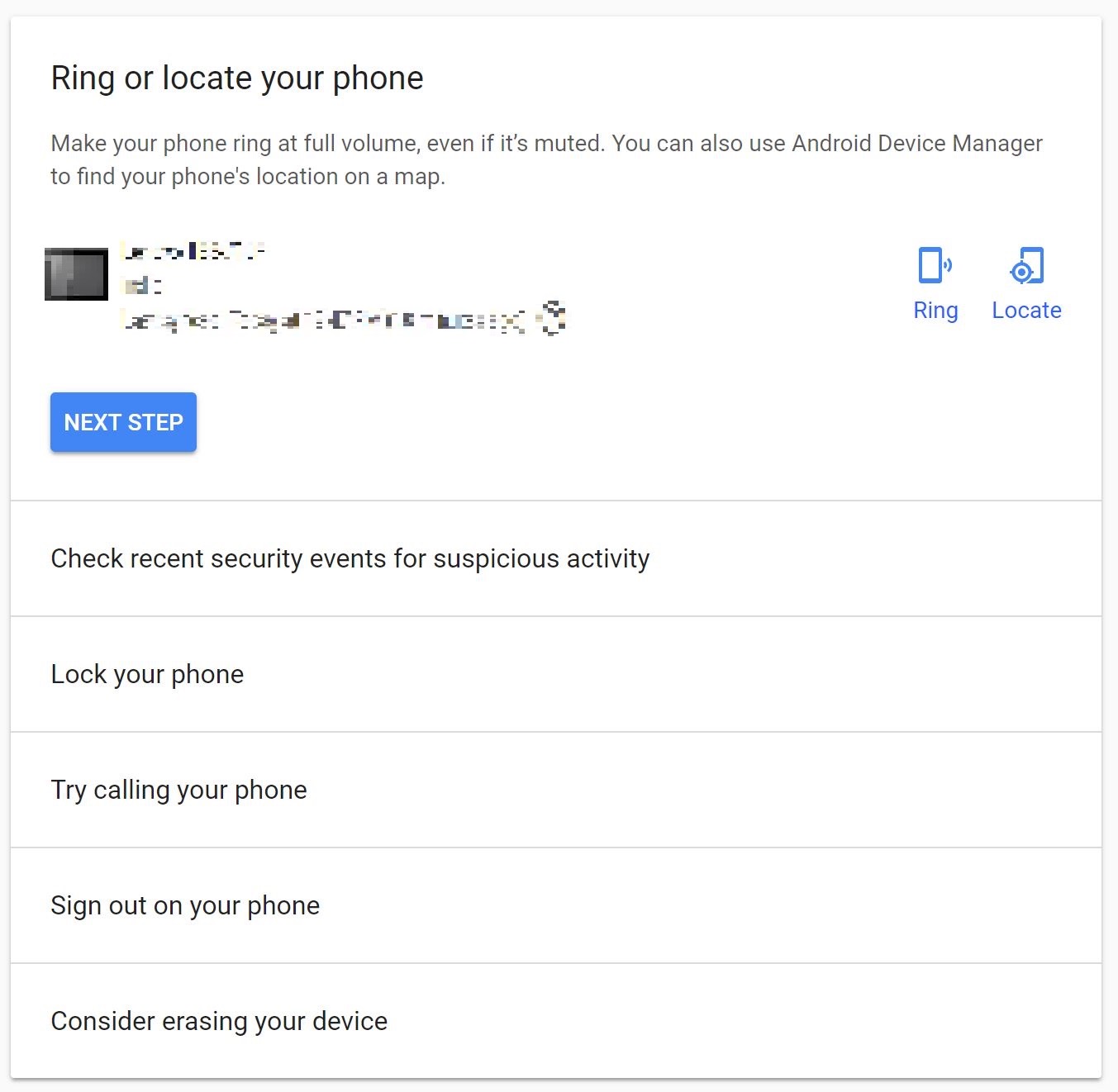
Your phone appears on a map with three choices.
Play sound rings it loudly for a few minutes.
Secure device locks the phone and puts a message and a contact number on the lock screen.
Erase device wipes everything, so keep that one for last.
Newer Android phones can also be spotted over Bluetooth by other phones passing nearby, so even a phone with no internet is not always a lost cause.
How do I find an iPhone or iPad?
The app is called Find My and it is already installed on your device.
From a computer, go to icloud.com and sign in with your Apple Account.
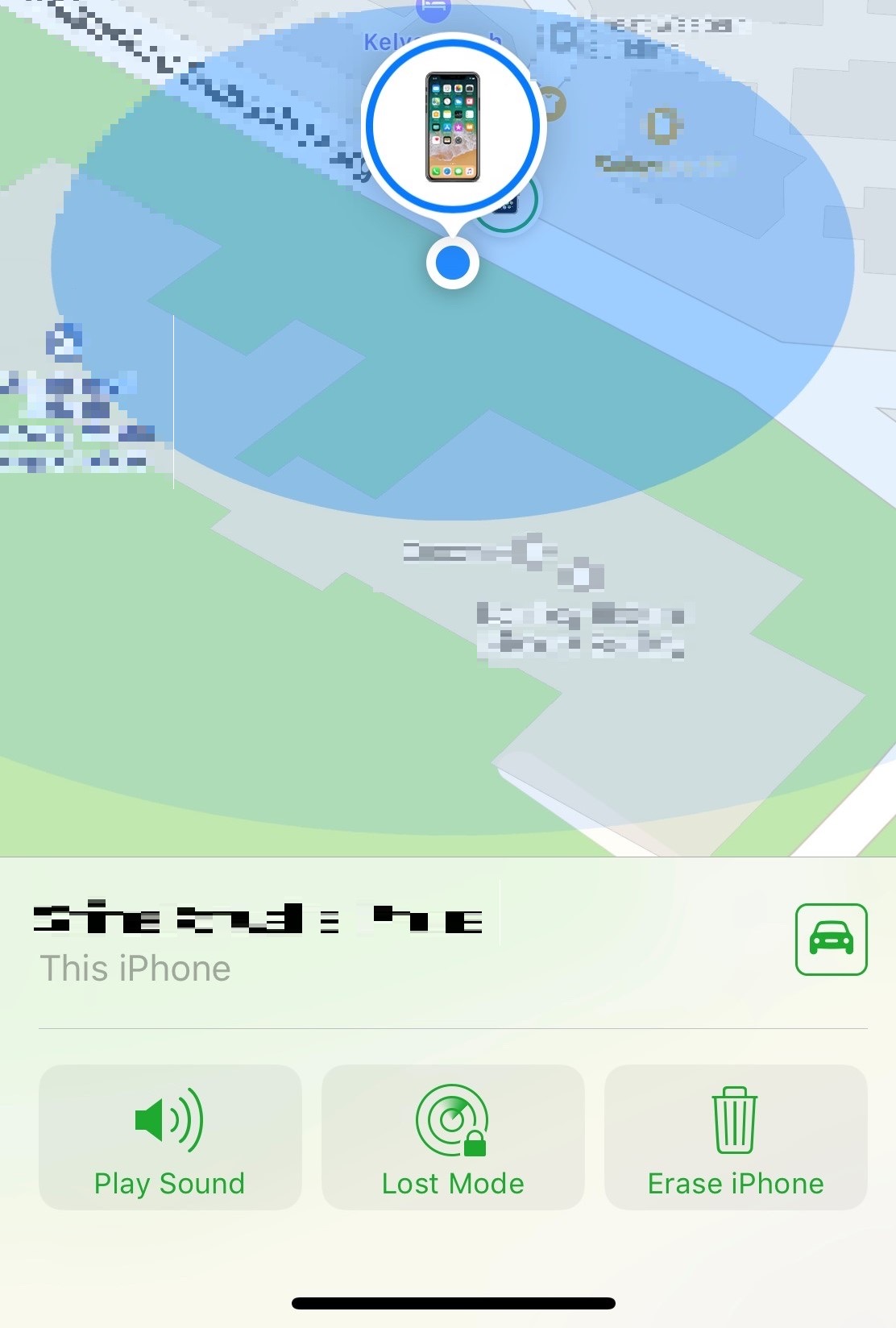
Pick the missing device from the list.
Play Sound makes it chime, Mark As Lost locks it with a message, and Erase iPhone is the last resort.
A recent iPhone can still be located for a while after the battery dies.
What if the phone is actually stolen?
File a police complaint first and keep a copy of it.
Then block your IMEI number, the 15-digit code that identifies the handset itself, on the government's Sanchar Saathi portal.
A blocked IMEI is useless on every Indian network, and you can unblock it if the phone comes back.
Change your Google or Apple password the same day, because your email matters far more than the handset.
Things to Remember
- Dial *#06# today and save your IMEI number somewhere safe.
- Keep Location switched on, otherwise none of this works.
- Try Play Sound first, before assuming the worst.
- Lock the phone first and keep erase as the very last step.
- Report a stolen phone to the police, then block the IMEI on Sanchar Saathi.