

You are looking at a price in dollars and wondering what that is in rupees.
Most of us open an app or a website for this.
You do not need to.
Google answers plenty of these questions inside the search box itself, with no site to visit.
Here are four I use almost every week.
Currency conversion
Type 500 usd to inr and press enter.
Google shows you the amount, the rate it used, and a small chart of the last few months.
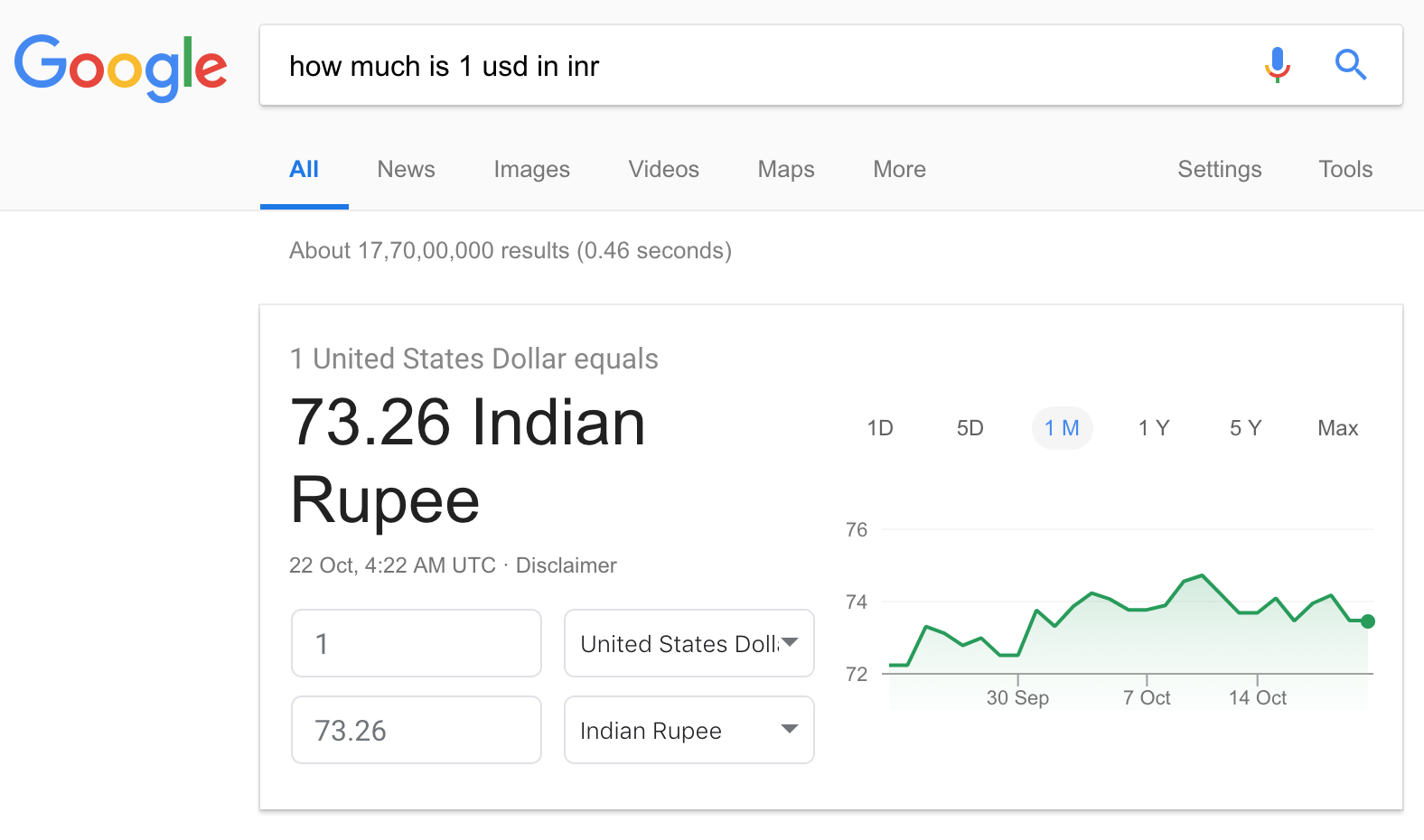
One thing worth knowing: that is the market rate, not the rate your bank or card will actually give you.
Banks add their own margin, so treat the Google number as a good guess rather than a final bill.
Unit conversion
Type 12 kg to pounds, or 2400 mm to feet, and the answer appears straight away.

This is genuinely useful when an architect sends a drawing in millimetres, or a recipe is written in ounces.
It handles temperature, speed, area and even data sizes the same way.
Flight details
This one is still my favourite.
Type the flight number printed on the ticket, something like 6E 2134, and Google shows the status, the terminal and how late it is running.
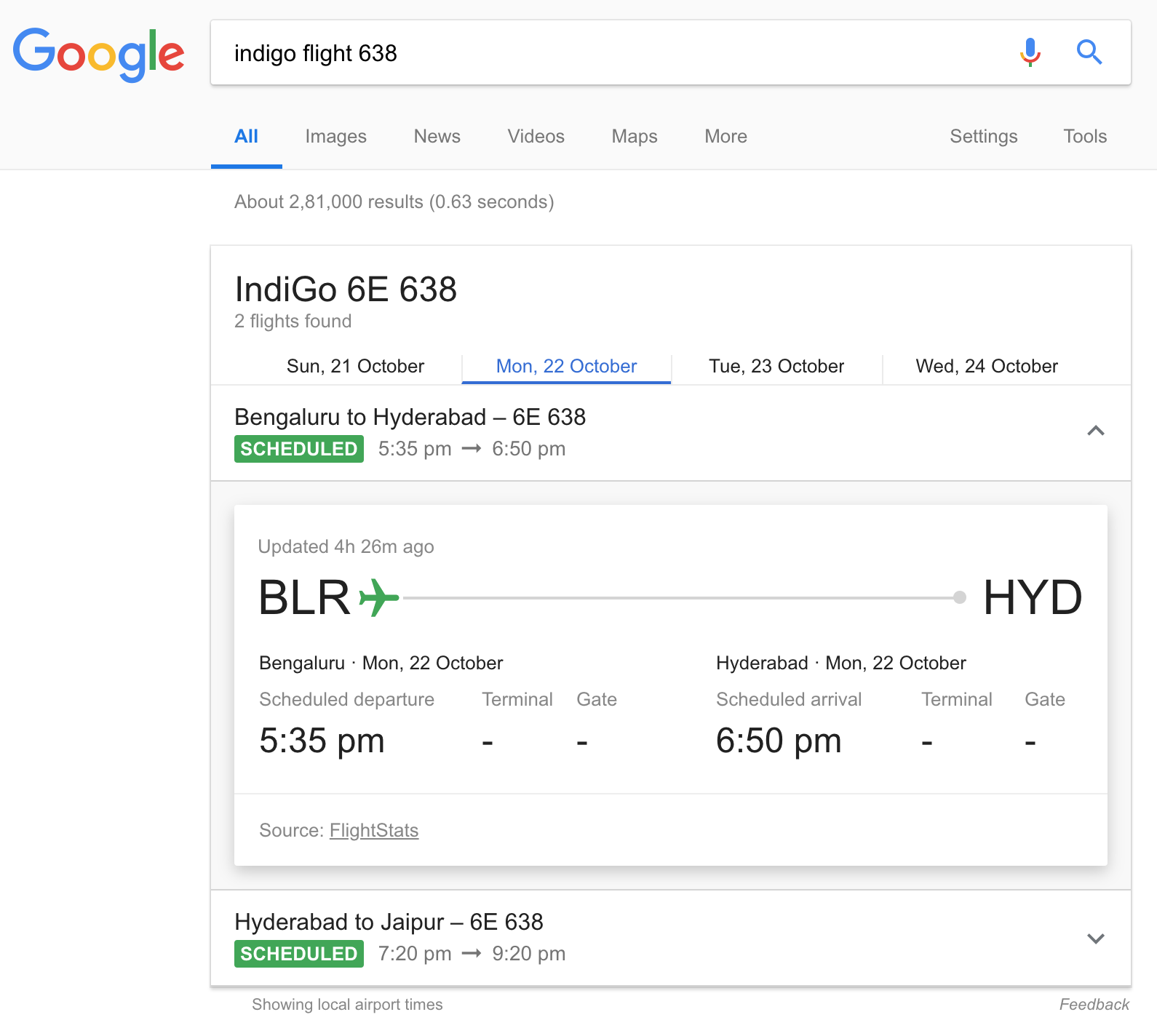
Very handy when you are the one driving to the airport to pick someone up.
It works for any airline, not only the Indian ones, and it updates on its own while the flight is in the air.
Calculator
Type the sum straight into the search box and Google works it out.

It also does percentages, which is the bit most of us actually need.
Try 15% of 2400 the next time a bill needs splitting.
Has the AI answer changed any of this?
Google now puts an AI written summary above many results, and that summary can get things wrong.
These four boxes are different, because they are calculated rather than written.
That is exactly why they are worth trusting for a rate or a sum.
If you would rather see the plain old list of links, look for the Web filter under the search bar.
Things to Remember
- Try the Google search box before you open any app.
- Google currency rates are market rates, not what your bank will charge.
- A flight number on its own is enough, no airline site needed.
- Use 15% of 2400 style sums instead of hunting for the calculator.
- Switch to the Web filter when you want links, not an AI summary.