
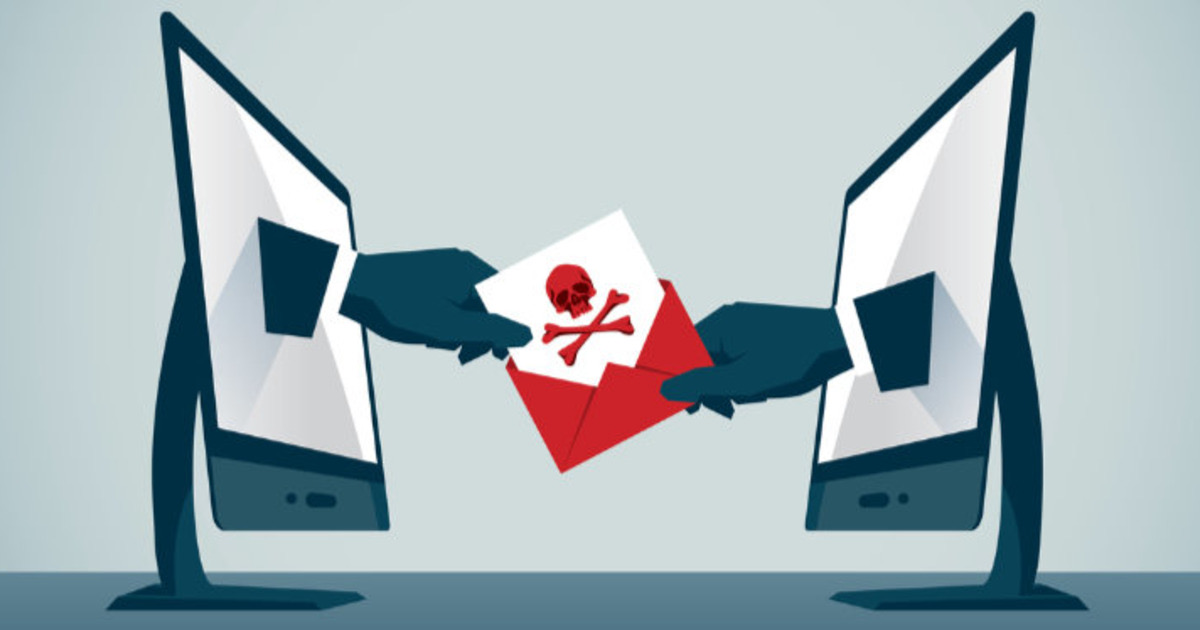
We've all received emails that we just don't want.
Offers, newsletters, deals, and now and then one that costs somebody their savings.
Three words cover almost all of it: spam, phishing and ransomware.
What is spam?
Any unwanted message sent to you in bulk.
Most of it is harmless.
A shopping site you bought from once, a newsletter you never asked for.
It arrives because you gave your email ID away somewhere, usually while ordering something.
How do I stop it?
Use the Unsubscribe link.
In Gmail it now sits at the top of the message, not buried at the bottom.
Large senders are required to make that one click work, so use it.
Mark the rest as Spam, so your email learns to block that sender.
For the calls and SMS, register on DND (Do Not Disturb) in your operator's app.
What is phishing?
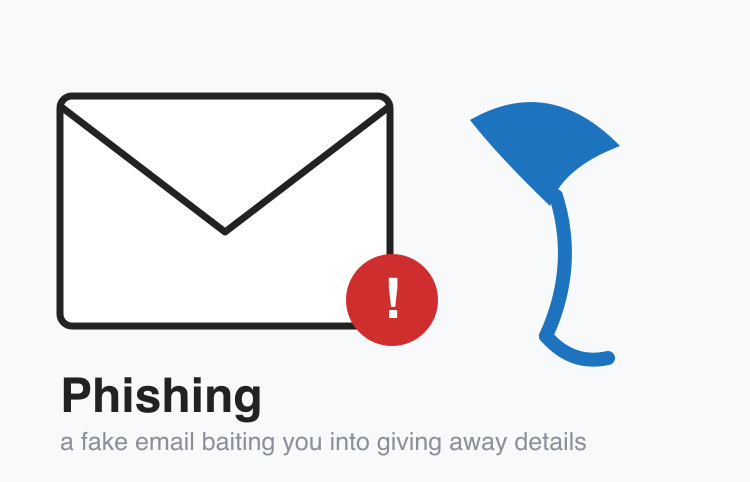
Phishing is a fake message pretending to be someone you trust.
The goal is your password, your card details or your OTP.
It rarely arrives by email now.
Today it is an SMS about a pending KYC update.
Or a WhatsApp message about a courier stuck at customs.
Or a call saying your electricity will be cut tonight.
The old giveaway of terrible spelling is gone, because machines write these messages now.
How do I spot one?
Tap the sender's name to see the full email address.
The name on top can say anything at all.
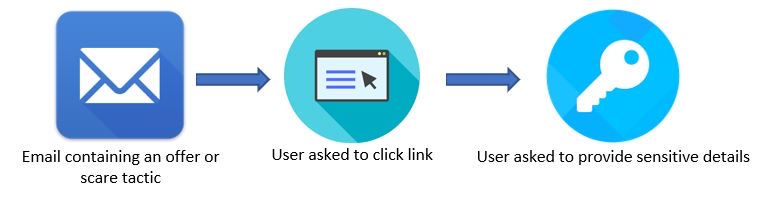
Never click a link in a message about money.
Open your bank or courier app yourself, because anything genuine will be waiting inside it.
And never approve a login prompt or read out an OTP you did not ask for.
What is ransomware?
Imagine reaching your bank locker and finding that your key no longer works.
Nothing has been taken, but someone wants money before you can get in.
That is ransomware, with your computer as the bank and your files as the locker.
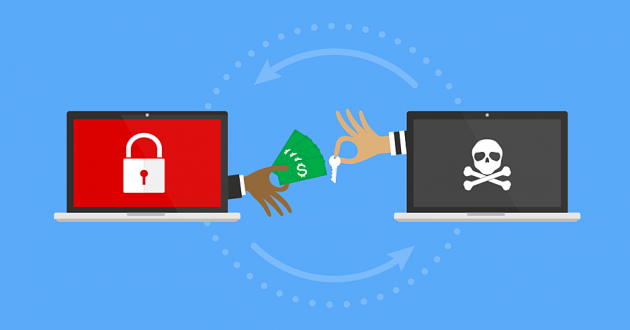
Your files are still on the hard disk, just locked in code (encrypted) until you pay.
Attackers now copy the files first and threaten to publish them.
So paying does not really solve anything.
The only defence that has ever worked is a backup they cannot reach.
Things to Remember
- Keep a separate email ID for shopping and sign-ups.
- Unsubscribe from spam instead of deleting it every morning.
- Never enter a password or an OTP on a page you reached by clicking a link.
- Check anything urgent about money by opening the bank's own app.
- Keep one backup on a drive you unplug afterwards, not just in the cloud.