
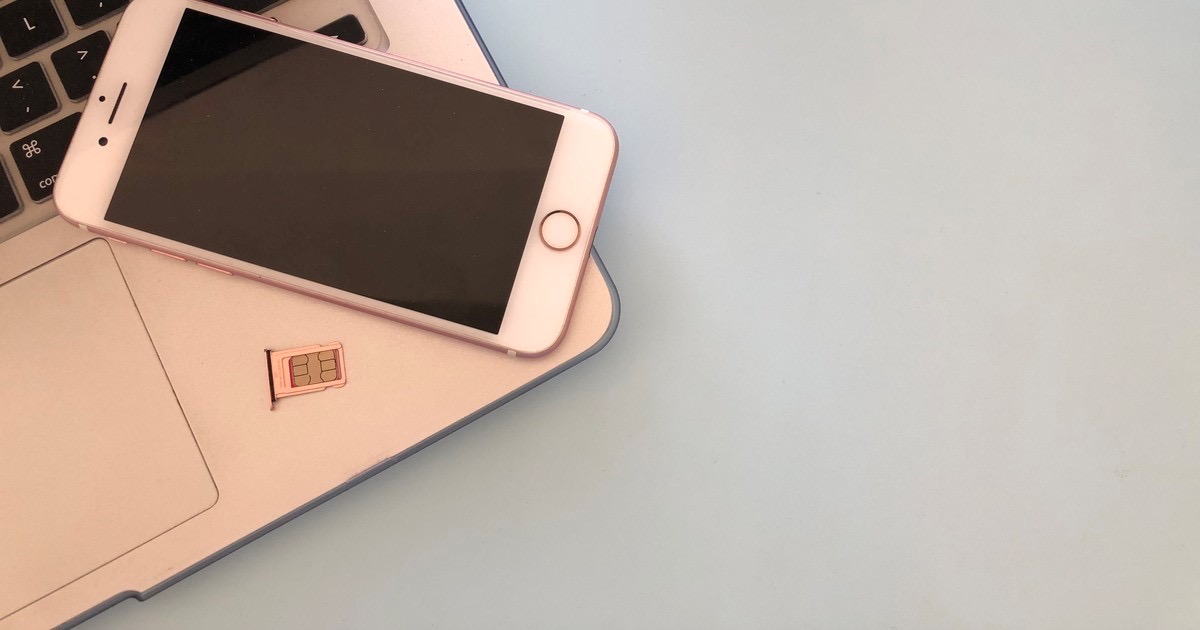
Your phone shows "No Service" for a couple of hours.
You assume it is a network problem, or the monsoon.
Sometimes it is neither, and someone else is using your number.
What is SIM swap fraud?
Your mobile number gets moved onto a new SIM card that a fraudster is holding.
Your SIM goes dead, theirs comes alive.
Every OTP meant for you now lands on their phone.
Your bank accounts follow soon after.
What does the fraudster need from me?
Your name, a few personal details, and the long number printed on your SIM card.
That number identifies the SIM, and it makes a replacement request look genuine.
They usually get it by calling you.
They say they are from Jio, Airtel, Vi or BSNL, and offer a free 5G upgrade.
Then they ask you to read out the number on your SIM, or to press 1 to confirm.
No real operator will ever ask you either of those on a call.
Has anything changed since this scam started?
Yes, in two ways.
The rules got stricter, so SMS is blocked for a day after any SIM replacement.
The number also cannot be ported to another operator for a week.
But the scam moved to eSIM, which is a SIM built into the phone with no plastic card.
Here you are talked into forwarding an eSIM request or scanning a QR code.
Nobody has to visit a shop at all.
Treat any "convert to eSIM" message you did not ask for as fraud.
What if I never share anything?
It can still happen, because your details leak from places you did not choose.
An app installed from outside the Play Store can quietly hand over the same details.
Missed calls late at night, then a dead phone, is the pattern people report.
My phone has gone dead. Now what?
Do not wait until morning.
Borrow a phone and ask your operator if a SIM replacement was requested.
Call your bank next and get the accounts frozen.
Report it on the cyber fraud helpline 1930, or at cybercrime.gov.in.
What about public Wi-Fi and VPNs?
The old warning about public Wi-Fi has aged.
Airport and cafe Wi-Fi is far less risky than it was.
Almost every app and website now encrypts whatever it sends.
A VPN will not stop a SIM swap, so do not buy one believing it will.
Things to Remember
- Never read out the number on your SIM card, and never press 1 for an "upgrade".
- Treat No Service for more than an hour as an emergency, not an annoyance.
- Install Android apps only from the Play Store.
- Move your important accounts off SMS OTP and on to an authenticator app.
- Check which mobile numbers are registered in your name on the Sanchar Saathi portal.