
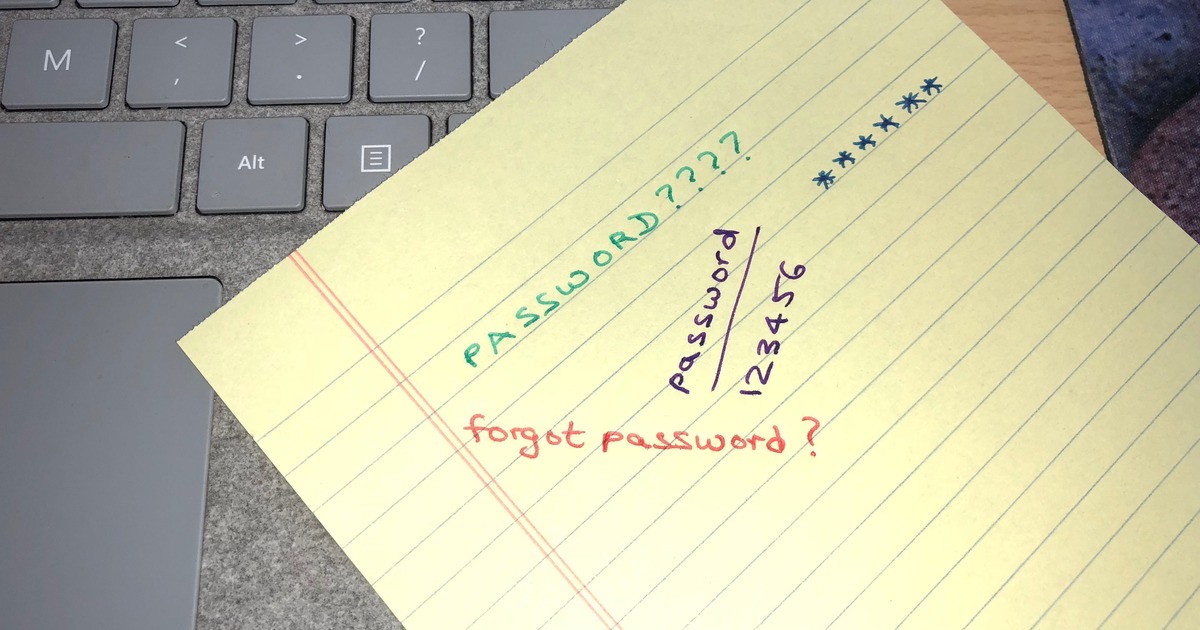
We all have one favourite password.
It picks up a capital letter here, a number there, and off it goes to the next website.
That one habit is the most common reason accounts get broken into.
The target is usually your email, because your email is the reset button for your bank.
What makes a password strong?
Length matters far more than clever symbols.
The old rule of eight characters with an @ thrown in is out of date.
Aim for sixteen characters or more.
The easy way is a passphrase, which is simply a password made of words: MonsoonTablaMangoLadder.
It is long, it is easy to type, and you will actually remember it.
What should I avoid?
- Do not use the same password on two different sites.
- Do not build it around your name, your child's name, your birthday or your anniversary.
- Do not keep changing your passwords every few months for no reason.
Your birthday and your dog's name are already on Facebook and Instagram.
Change a password when a website tells you it has been breached, not on a schedule.
How do I remember all of them?
You don't, and you shouldn't try.
Most people write them in a diary, which works beautifully until the day someone else opens that diary.
Apple users often type them into the Notes app instead.
Hand your unlocked phone to anyone and those notes are wide open.
If you do use Notes, lock the note so it asks for Face ID or your passcode.
The better answer is a password manager, an app that holds every password behind one strong master password.
1Password and Bitwarden both work on iPhone and Android, and Bitwarden has a free plan.
You may not need either, because your phone already has one built in.
It is the Passwords app on iPhone and Mac, and Google Password Manager on Android.
What is a passkey?
A passkey does away with the password completely.
You approve the sign-in with your face, your fingerprint or your phone's PIN.
There is nothing to remember, and nothing you can accidentally type into a fake website.
Google, Apple, Amazon and WhatsApp all support passkeys today.
Things to Remember
- Give your email account a password you use nowhere else.
- Make it long: four random words beat eight clever characters.
- Turn on two-factor authentication (a one-time code on top of your password) for email and banking.
- Let a password manager do the remembering for you.
- Switch to a passkey wherever a site offers one.