
You press the power button, then go and make chai while the laptop wakes up.
That wait is almost never the processor's fault.
Two upgrades will fix it, and both cost far less than a new laptop.
Why is my laptop so slow?
Older laptops keep your files on a hard drive, or HDD.
A hard drive is a spinning metal disk with a small arm reading it, like a record player.
All that spinning is slow, hot and noisy, and one hard knock can end it.
What is an SSD?
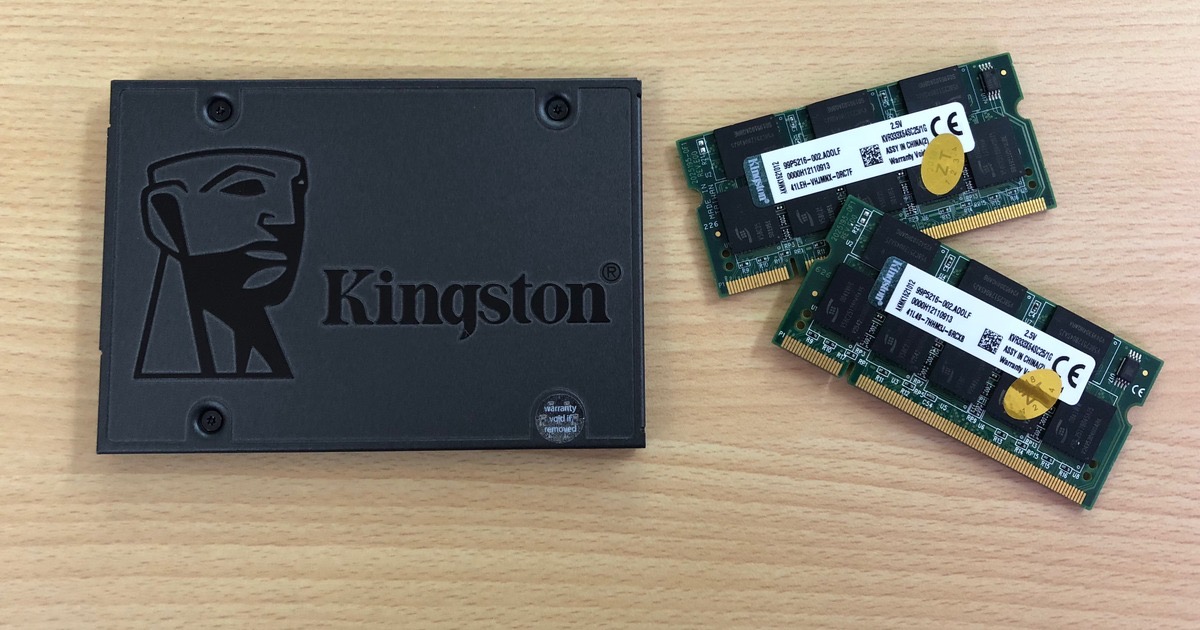
An SSD, or solid-state drive, stores the same files on memory chips instead.
Nothing spins, so your files appear the moment you ask for them.
The laptop that took minutes to start will now be ready before you have properly sat down.
SSD prices have fallen a long way since I first wrote this.
Good branded ones are easy to find on Amazon.in.
There are two kinds, SATA and NVMe.
SATA fits older laptops.
NVMe is faster, but only a newer laptop will take it.
Check which type your laptop takes, because the two slots are different.
Every laptop sold today already has one, so this upgrade is for the older machine at home.
How much memory do I need?
Picture yourself at a desk with a filing cabinet beside you.
You are the processor, the desk is the memory, and the cabinet is your storage.
A small desk means standing up for every single file, which is exactly what a short-on-memory laptop does.
In 2018 I said 8 GB was enough.
Today 16 GB is the sensible minimum.
A browser full of tabs and Windows 11 will finish 8 GB before lunch.
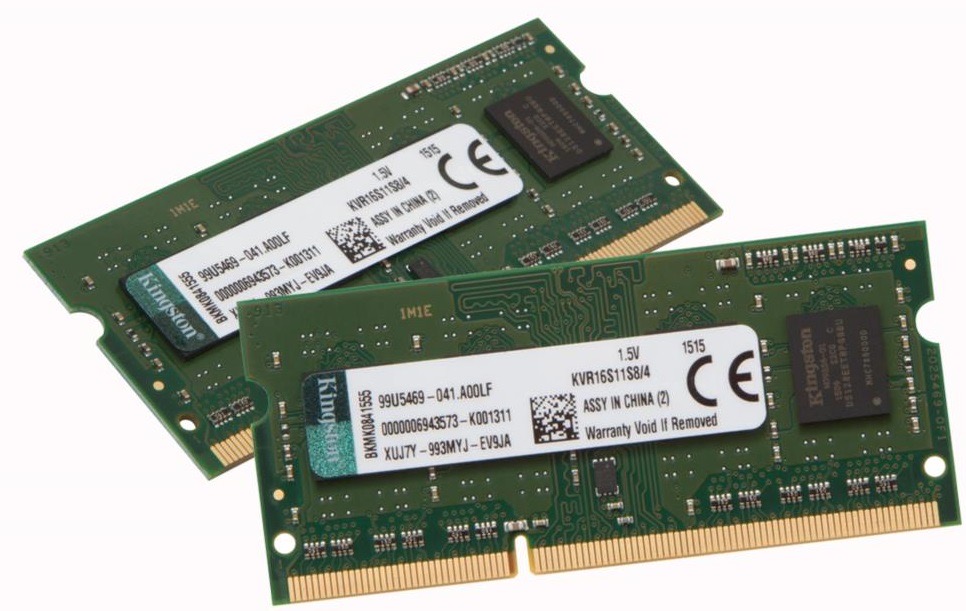
Where you can, fit memory in matched pairs: two 8 GB chips rather than one 16 GB chip.
Can my laptop even be upgraded?
Check this first, because thin laptops increasingly have their memory soldered onto the board.
Every MacBook made since 2020 is in that group, and cannot be changed at all.
Search your exact model number along with "RAM upgrade" and you will know in a minute.
What about Windows 10?
Microsoft stopped supporting it in October 2025.
If your old laptop can run Windows 11, move it across before you spend anything on parts.
Things to Remember
- Check your model first, because soldered memory cannot be upgraded at all.
- Replace the hard drive with an SSD before spending money on anything else.
- Match the SSD to your laptop, SATA or NVMe.
- Aim for 16 GB of memory, in matched pairs where possible.
- Back up everything before the swap, and keep the old drive safe for a month.